
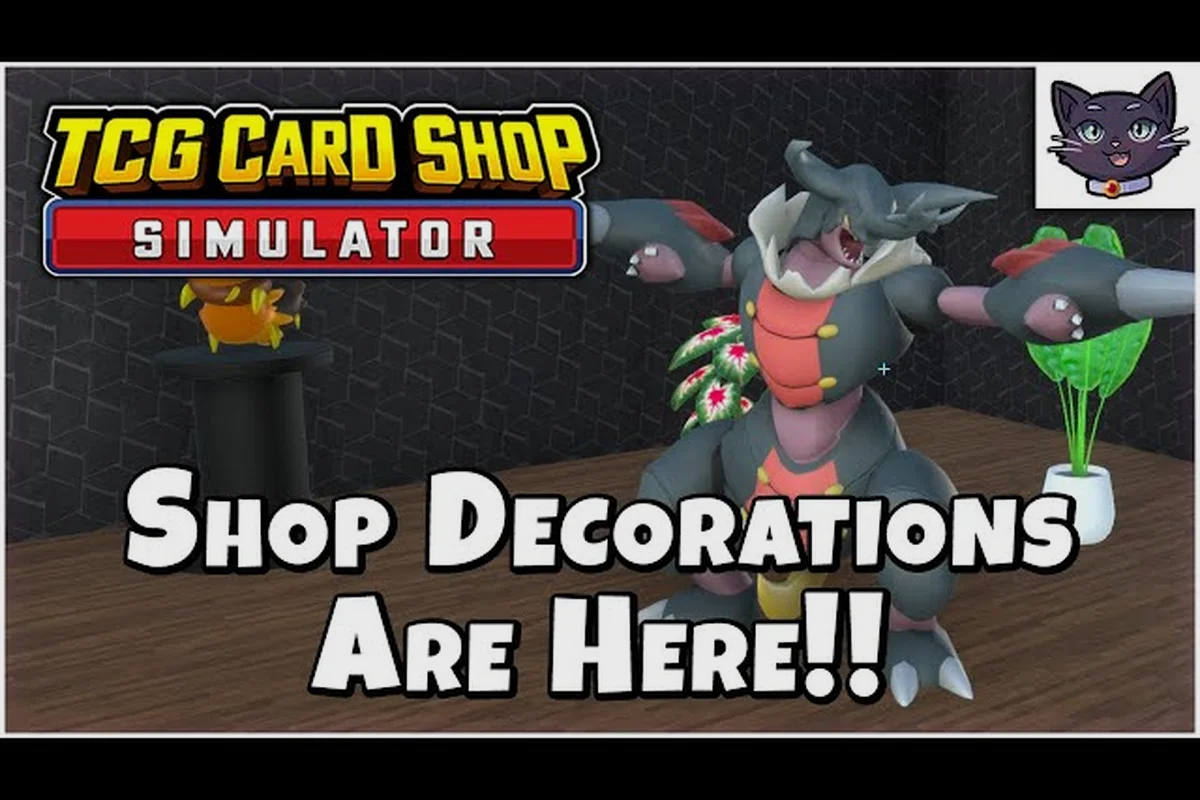
Every time the September 15, 2026 1.0 launch of TCG Card Shop Simulator cycles through the loading screen, the workbench behind the shop counter surfaces a fresh wave of community art posters drawn straight from player submissions. These hand-painted props are more than decoration: each one lists the creature names and rulebook page numbers that define the Tetramon archetypes now driving tournaments across the in-game play table, and a few of them even embed hints for the late-game Ascend path. This guide walks through the 1.0-era poster set, the Tetramon rulebook entries they reference, the workbench interactions that unlock them, and the tournament format they were designed to celebrate.
What the 1.0 Community Art Posters Are and Where to Find Them
The community art posters in TCG Card Shop Simulator are framed illustrations that appear in the corners of your shop and at the back of the workbench. They were sourced from a curated fan-art drive run by OPNeon Games during the final months of Early Access and shipped into the September 15, 2026 1.0 build as in-world art objects. According to the TCG Card Shop Simulator 1.0 official launch trailer, the posters are seeded from a roster of community contributors and are tied to the Tetramon creature types a given player favors at the play table.
How the Workbench Surfaces Posters
The workbench itself is the single source for reading posters, copying the deck lists printed on them, and checking which art set is currently active. After the daily opening routine, walk behind the counter and look at the upper-right shelf; posters rotate in based on:
-
The Tetramon creature types in your active deck
-
The most recent tournament results you hosted
-
Whether the Ascend difficulty flag is currently toggled on
Posters never vanish once unlocked, but they reshuffle when the shop tier increases, so veteran shopkeepers see a different top-billed piece each time they ascend a difficulty level.
Poster Categories at Launch
| Poster Series | Art Theme | Deck Type Featured | Unlock Trigger |
|---|---|---|---|
| Tidal Bloom | Aquatic Tetramon art | Water synergy decks | Host 5 Water decks at the play table |
| Cinder Pact | Fire-type submissions | Aggro red archetypes | Win a Cinder Cup at the shop |
| Verdant Guard | Forest creature fan art | Stall / ramp green decks | Reach Ascend difficulty 3 |
| Hollow Veil | Ghost-type entries | Mill / discard decks | Host tournaments on Hard mode |
| Apex Crown | Legendary full-art pieces | Champion-tier ascended decks | Clear Ascend difficulty 10 |
The five series listed above were the only ones shipped at the 1.0 cut-off, with additional prints expected via the post-launch content roadmap. Posters are numbered inside the file, so the Steam news archive uses the same indexing the workbench uses when reporting unlock progress.
Reading the Tetramon Rulebook Through Poster Captions
Each community art poster includes a small printed caption that pulls directly from the Tetramon rulebook found on the workbench. The rulebook is the in-world manual covering costs, turn structure, and win conditions, and it is the same book customers browse when they sit at the play table to learn how a deck works. Reading it first matters because the printed game uses the same cards you are selling, including border prints and foils that change how a card plays, so the posters double as advertisement and tutorial.
Captions and Their Rulebook Pages
| Poster Caption | Rulebook Section Referenced | Gameplay Hint |
|---|---|---|
| "Tide turns at the third cast." | Tidal Bloom, page 12 | Water decks trigger burst effects on cast 3 |
| "Embers outlive the caster." | Cinder Pact, page 18 | Fire creatures leave residual damage counters |
| "Roots break stone." | Verdant Guard, page 22 | Green creatures ignore one shield per turn |
| "What is discarded returns." | Hollow Veil, page 27 | Ghost recursion from the graveyard pool |
| "The crown weighs what it lifts." | Apex Crown, page 31 | Legendary creatures add a tax when summoned |
Posters act as soft-spoilers for the printed card text inside booster packs, so new players who read the workbench captions first get a head start when opening the Tetramon base set and any later expansions. The rulebook itself, sitting on the lower shelf of the workbench, can be opened with the Read interaction to cross-reference any of the page numbers above and copy the full effect text into a deck note.
Rulebook Reading Order for New Players
-
Open the rulebook at the workbench with the Read interaction before opening your first booster pack.
-
Skim the turn structure chapter (pages 4-9) so you know when a card's ability fires.
-
Read the cost and resource chapter (pages 10-14) to understand energy curve planning.
-
Check the win condition chapter (pages 28-32) to learn alternate win paths like the Crown tax from the Apex Crown poster.
-
Cross-reference any poster caption with the relevant rulebook page so you remember the wording for tournament play.
The rulebook also lists the Tetramon creature types in glossary form, which is the single most useful reference when you are trying to figure out why a specific booster pack pulls a creature that does not fit your deck theme.
How Posters Connect to Tetramon Creature Types and Deck Archetypes
The poster art drive was themed around the Tetramon creature types that are playable in 1.0, so each poster series corresponds to one creature family. According to the TCG Card Shop Simulator Steam community hub, the type wheel now includes Water, Fire, Grass, Ghost, Dragon, Psychic, Fighting, Lightning, Darkness, Metal, Fairy, and Normal — twelve types across the 4,436-card collection. The poster series at launch only covers four of those types in detail, leaving the rest for post-launch drops.
Type Coverage at 1.0
| Tetramon Type | Poster Coverage | Tournament Viability |
|---|---|---|
| Water | Tidal Bloom series | Strong — splash archetype |
| Fire | Cinder Pact series | Strong — aggro anchor |
| Grass | Verdant Guard series | Medium — slow but durable |
| Ghost | Hollow Veil series | Niche — mill specialist |
| Dragon | Apex Crown crossover | Late-game only |
| Other 7 types | None at 1.0 | Need future poster series |
For a complete view of every creature and its type, the Tetramon creature list is a useful companion reference. Players building their first deck usually start with Water or Fire because those posters are the easiest to unlock and the corresponding rulebook pages are the simplest to read.
Workbench Interactions That Unlock the Poster Sets
The workbench is more than a cosmetic surface: every poster series has an unlock condition that requires an actual play-table action. The community team tied each series to a different shop behavior so that all four poster sets cannot be rushed by repeating the same routine. Below is the unlock chain as reported by players who completed the 1.0 main path on launch day.
Unlock Chain by Poster Series
| Series | Step 1 | Step 2 | Step 3 | Step 4 |
|---|---|---|---|---|
| Tidal Bloom | Stock 50+ Water cards | Read the rulebook | Host 5 Water decks | Win one play-table match |
| Cinder Pact | Stock 30+ Fire cards | Upgrade the workbench | Host 1 Cinder Cup | Reach shop tier 3 |
| Verdant Guard | Complete 7 daily orders | Read page 22 of the rulebook | Reach Ascend 3 | Host a stall deck |
| Hollow Veil | Reach shop tier 5 | Toggle Hard mode | Host a Ghost deck | Win 3 tournaments |
| Apex Crown | Reach Ascend 10 | Stock at least one legendary | Host a Champion match | Place the Crown on the workbench |
The Ascend difficulty flag is the gating mechanic for the higher-tier posters, and it is what most players chase after finishing the standard shop tier progression. Ascend mode is a hard-mode toggle on the play table where opponent decks scale with your shop's gross revenue, so it doubles as a self-balancing endgame ladder.
Practical Tips for Working the Workbench
-
Keep at least one booster of every type in stock so the workbench can sample the matching type for poster triggers.
-
Read the rulebook daily to refresh page references and unlock captions faster.
-
Check the upper-right shelf at the start of each in-game day; posters rotate based on the previous day's hosted matches.
-
Avoid selling your only copy of a poster-caption creature until the poster is fully unlocked — some posters require the matching card to be on the play table to render the alt art.
-
Tag posters with the same deck you use for the matched type; the workbench remembers the last three deck tags per poster and will resurface them when the type triggers a rotation.
Posters as Tournament Hype and the Road to Ascend
The poster wall behind the play table serves as the lobby art for the tournaments you host in 1.0. Every weekend the shop cycles into a tournament-ready state where NPC challengers line up to play the deck on the table, and the active poster rotates to match the format. According to the TCG Card Shop Simulator official news archive, tournaments are the endgame goal for a completed deck, because the events you host move prices on exactly the categories your deck depends on. Hosting more tournaments means higher demand for the cards in your active deck, which in turn drives the margins that fund further shop upgrades.
Tournament Format and Poster Rotation
| Tournament Tier | Poster Series Highlighted | Difficulty Scaling | Reward Pool |
|---|---|---|---|
| Local Cup | Tidal Bloom / Cinder Pact | Tier 1-3 opponents | Booster pack + shop cash |
| City Open | Verdant Guard | Tier 4-6 opponents | Booster pack + booster ticket |
| National Clash | Hollow Veil | Hard mode opponents | Foil card + booster bundle |
| Champion Crown | Apex Crown | Ascend 10 scaling | Legendary + Crown trophy |
The Ascend ladder caps at difficulty 10 and the Apex Crown poster is the only one that needs the Crown trophy to unlock. Players who plan their deck around a tournament category can predict which poster will headline their play table that weekend, which helps when timing the placement of high-value cards in the shop display case.
Why the Poster Set Matters for the 1.0 Meta
The poster series is more than a fan-art drop: it is a soft-meta signal. OPNeon Games seeded each series with the creature types that the launch tournament format favors, so players who read the captions before building their first deck end up running the same archetypes the developer wants to test. Community testing reported on launch weekend noted that Water, Fire, and Grass dominated the Local Cup bracket, while Ghost took over once Hard mode opened up, and Dragon only appeared in Champion Crown matches.
This pattern is useful for shopkeepers who want to set prices, because a poster rotation predicts a week of heavier demand for the matching type. Keeping the matching type in stock and the matching card on display makes the shop feel more like a tournament venue and less like a generic storefront.
Frequently Asked Questions
Where do I find the community art posters in TCG Card Shop Simulator?
The posters appear in the corners of your shop and on the upper-right shelf of the workbench. The workbench is behind the counter, and the Read interaction on the rulebook lets you copy caption text for any poster you have already unlocked.
How does the Tetramon rulebook help me read poster captions?
Each caption pulls a line from a specific page in the in-world rulebook. Reading the rulebook at the workbench first lets you cross-reference the poster text with the full card effect, which is essential when you are building a deck around a single creature type for tournament play.
Do the community art posters change the Tetramon tournament meta?
The posters do not alter card stats, but they predict which creature types OPNeon Games wants to feature each week. Reading the active poster series before hosting a tournament helps you pick the deck type that will draw the largest NPC crowd and the highest card prices on the open market.
What is the Ascend difficulty flag and how do posters tie into it?
Ascend is a hard-mode toggle on the play table that scales opponent decks with your shop's gross revenue. The Verdant Guard and Apex Crown poster series only unlock after you reach Ascend difficulty 3 and 10 respectively, so chasing those posters doubles as a natural progress marker.
Can I host a tournament using only the cards shown on a poster?
Yes. The deck list printed on a poster is a legal starter configuration for the matching creature type, and the play table accepts it as a valid tournament entry. Most players use the poster deck as a baseline and then swap a few cards based on the booster pulls they have stocked that day.